Make a scene.
Start with an idea. Push the style. See what happens.
Your canvas
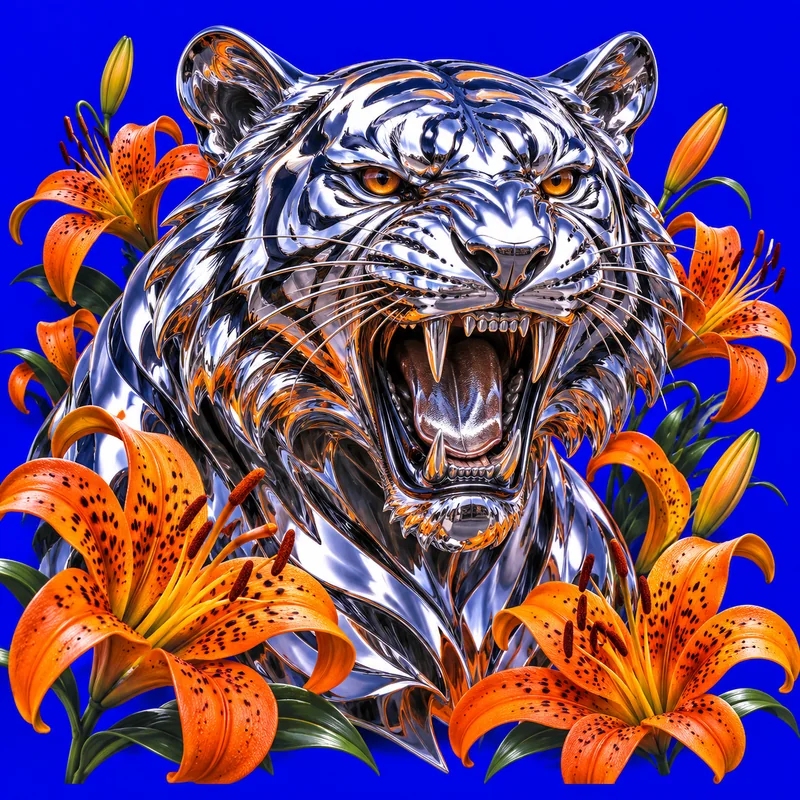
Start somewhere unexpected.
Pick an image. Make the idea your own.
An idea is just the start.
Build a scene from a subject, a palette and a point of view. Change the medium, break the mood, or take the result in a completely different direction.
Find the starting point
An object, a character, an impossible place. Pick a subject or describe your own, then give it a setting. Your images save automatically; download the ones you want to keep.
Create your first AI imageChange the visual language
Try direct flash, ink, chrome-like 3D or a sharp graphic treatment. Keep the scene and change the medium to compare. Each new generation uses a credit; downloads do not.
Explore colors and art stylesTake it from screen to paper
Open an existing picture in the studio or gallery and choose Outline. Adjust Line detail, then download a black-and-white PNG or print a tracing sheet. Preparing an outline does not use another AI generation credit.
Make a printable outline